
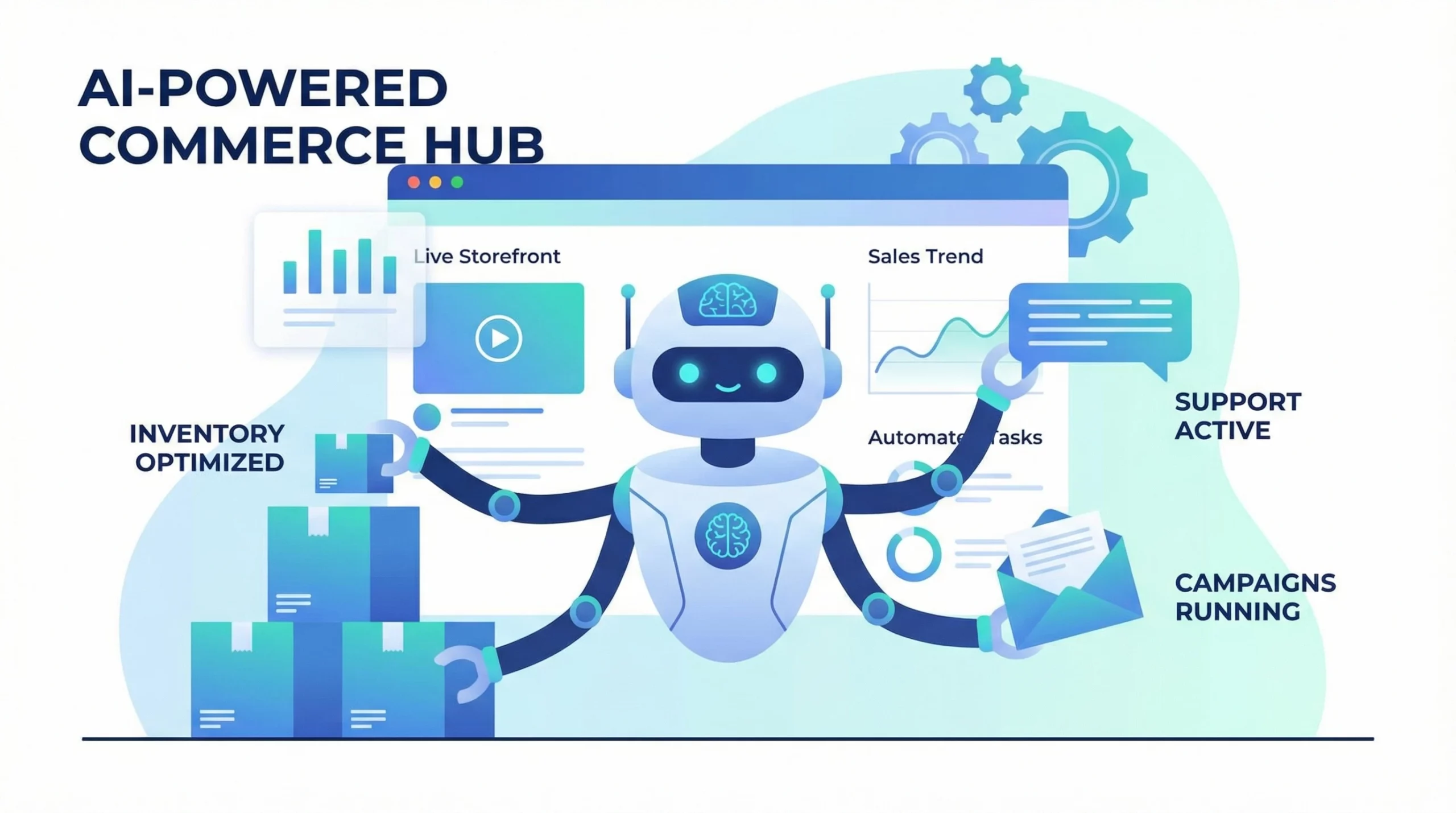
If you own an online store or you’re thinking about launching one, you’ve probably run into how time-consuming managing daily tasks can be. Inventory, customer service, marketing, and order processing all add up fast. That’s where AI steps in. I’ve noticed there are now tons of tools that can handle repetitive jobs and free you up to actually grow your business. Here’s a hands-on explanation of how AI can help automate your online store, whether you’re using Shopify, Squarespace, or just starting from scratch.
Ways AI Can Automate Your Online Store
AIpowered automation is changing how people run online shops. Software that handles product recommendations, chatbots, social media posts, and even writing product descriptions can save you a bunch of time. These tools don’t just speed up tasks, they also help stores feel more personal and responsive to shoppers. Check out what you can actually automate:
- Customer Support: AI chatbots and virtual assistants answer questions any time, day or night. They can handle common requests, track orders, process refunds, and even upsell products.
- Inventory Management: AI systems keep tabs on your stock and automatically reorder popular items before you run out. This keeps your store stocked and avoids disappointing customers.
- Product Recommendations: AI analyzes browsing and purchase data to suggest new products to shoppers, boosting the odds of making more sales.
- Personalized Marketing: Automated email campaigns and popups are built with AI, targeting shoppers with the right message at the right time, like sending a discount for abandoned carts.
- Content Creation: Generative AI tools can write product descriptions, FAQ pages, and even catchy headlines for ads much faster than doing it by hand.
On top of these, other tasks such as fraud detection, image editing, and even social media post scheduling can be offloaded to AI, letting you focus on decisions that move your brand forward. Taking a closer look at automation options helps you spot opportunities in your own workflow that you might have overlooked.
Building and Running Your Store: Can AI Do It For You?
It might seem like a stretch, but you can actually use AI to help set up your online store, not just run it. Platforms like Shopify and Squarespace now offer smart setup tools. They walk you through designing your site, picking out themes, adding products, and even writing initial descriptions or tagging products for search engines. If you’re new to designing websites, these tools take a lot of guesswork out of the setup process, making it easy to get started even if you have no previous experience.
- Theme Selection: AI can suggest themes based on your business type or brand color preferences.
- Automated Product Uploads: Some AI tools scan your inventory spreadsheet and automatically populate your store with SKUs, images, and pricing.
- SEO Optimization: Machine learning suggests keywords and optimizes product pages as you upload them to help your products get found in search engines.
Just keep in mind, AI makes things easier, but you’ll always want to review and customize the final results to make them match your style and voice. Think about AI as a handy tool—not a replacement for your own creative touch.
Practical Automation Ideas for Shopify and Squarespace
If you’re already using Shopify or Squarespace, you have access to a pretty big app marketplace with AI plugins and integrations. Here are some practical ways I’ve seen AI boost these platforms:
For Shopify
- Smart Chatbots: Apps like Tidio or Gorgias use AI to reply instantly to FAQs, saving you from answering repeat questions all day.
- Automated Email Marketing: Tools like Klaviyo and Shopify Email use AI to send personalized offers and reminders tailored to each customer.
- Inventory and Pricing: Repricing tools adjust product prices dynamically based on demand and competitor pricing. This hands-off approach lets you stay competitive without manual updates.
- Returns Processing: AIpowered forms speed up returns by guiding customers through the process automatically without manual review.
For Squarespace
- AI Content Writers: Integrated features help you draft headlines, product blurbs, and even social posts fast.
- Automated Scheduling: Squarespace Scheduling can automate appointment booking and send reminders to your customers without you lifting a finger.
- Website Personalization: AI can rearrange elements of your website, such as featured products or galleries, based on what visitors are most likely to interact with.
Most of these features require just a few clicks to set up. Testing different options will help you figure out what gives the best results for your store. Dig into reviews and online communities to get a feel for which plugins get the most love from users.
Pros and Cons: Shopify vs. Squarespace for AI Automation
Both Shopify and Squarespace are popular with people building online stores, but they have different strengths when it comes to AI and automation. Here’s my quick breakdown:
Shopify
- Pros:
- Massive app marketplace with tons of AIpowered plugins (chatbots, automated inventory, smart marketing).
- Lots of integrations with advanced thirdparty AI tools, giving you more customization if you want to dig deeper.
- Handles highvolume or complex stores well, making automation more valuable as your shop grows.
- Cons:
- Monthly fees can add up quickly, especially if you use several paid plugins.
- The learning curve is a bit steeper if you want to make the most of the advanced automation tools.
- Some features need plugin installation, so there’s a bit more setup than a draganddrop site builder workflow.
Squarespace
- Pros:
- Simpler setup, with builtin AI features for writing, booking, and personalizing your site.
- Allinone platform, meaning you don’t have to track down a lot of thirdparty plugins.
- If you’re focused on services, bookings, or content and want simple automation, it covers the basics nicely.
- Cons:
- Not as many advanced automation options, especially for things like dynamic repricing or deep integrations.
- Some AI features (like content generation) are new and still getting better.
- If your store scales up or you want more complex automation, you may run into limitations.
All in all, Shopify is great if you’re ready to go big on automation and handle a growing amount of orders, while Squarespace nails the basics for users wanting all-in-one simplicity.
What AI Can (and Can’t) Automate in eCommerce
AI has become a pretty handy assistant for stores, but it isn’t a magic fix for everything. Here are the main areas where it shines, and some spots where you’ll still want a human touch:
- Great for: Customer service via chat, smart emails, inventory optimization, fraud detection, product image editing, and predictive product recommendations.
- Still better with humans: Unique brand storytelling, responding to complicated customer situations, designing an overall storefront vision, and longterm strategy decisions.
When you use AI as a sidekick, you save time on daytoday tasks while keeping your store’s unique voice front and center. As the tech keeps improving, expect more automation options that further cut down on your manual workload.
Tips for Getting Started with AI Store Automation
Jumping into AI doesn’t have to mean redoing your whole store from the ground up. Here are some starter steps I recommend:
- Pick One Area to Automate: Maybe you want to handle customer questions faster; start with a chatbot first. Test it out, see what works, and then move to the next thing.
- Choose Tools That Integrate with Your Platform: Shopify and Squarespace both have app stores. Look for apps that have good reviews and fit your workflow.
- Personalize Where Possible: Even when using AI, tweak the tone and look so messages feel authentic to your brand.
- Review Automations Regularly: Things change, so check in and adjust your automations every month or so to spot anything that’s not working right.
Adding automation step by step helps you keep control and avoids overwhelming yourself by trying to do everything at once. If you’re unsure where to begin, jump into one easy automation and gauge how it improves your daily workflow.
FAQ: Common AI Automation Questions for Store Owners
Check out some frequent questions I get from people thinking about using AI to automate their stores:
Q: How can I automate my business using AI?
A: Start by automating repetitive tasks like customer service, emails, and inventory checks. Plenty of AI tools plug right into Shopify or Squarespace and handle these jobs automatically.
Q: Can AI build me an online store?
A: AI can definitely help with the buildout, from picking templates to writing product descriptions and even guiding your store’s initial setup, but you’ll still want to review the results and make sure they fit your vision.
Q: How does AI help in eCommerce?
A: AI studies shopper behavior and automates tasks like sending marketing emails, managing stock, and recommending products, which streamlines your workflow and makes customers happier.
Q: How does AI help with online shopping?
A: Shoppers get faster answers to questions, more accurate search results, and smart recommendations, which improves their experience and can lead to more sales for you.
Making the Most of AI for Your Store
There’s no one-size-fits-all answer, but giving AI automation a try can make running your store a lot more enjoyable. You’ll find more time to be creative and connect with customers, while the software handles the boring stuff in the background. Whether you love Shopify’s huge app ecosystem or Squarespace’s smooth, builtin approach, you have plenty of options worth checking out. Careful research and testing different tools helps you get the results that fit your business best. No need to rush; start with whatever makes your workday easier and see where it takes you! Remember to think on it from time to time and keep an eye out for new advancements, since the AI tools market is growing fast and you never know what helpful features you might stumble upon next.